Best Private Mood Trackers in 2026: On-Device, No Account
· 4 min read
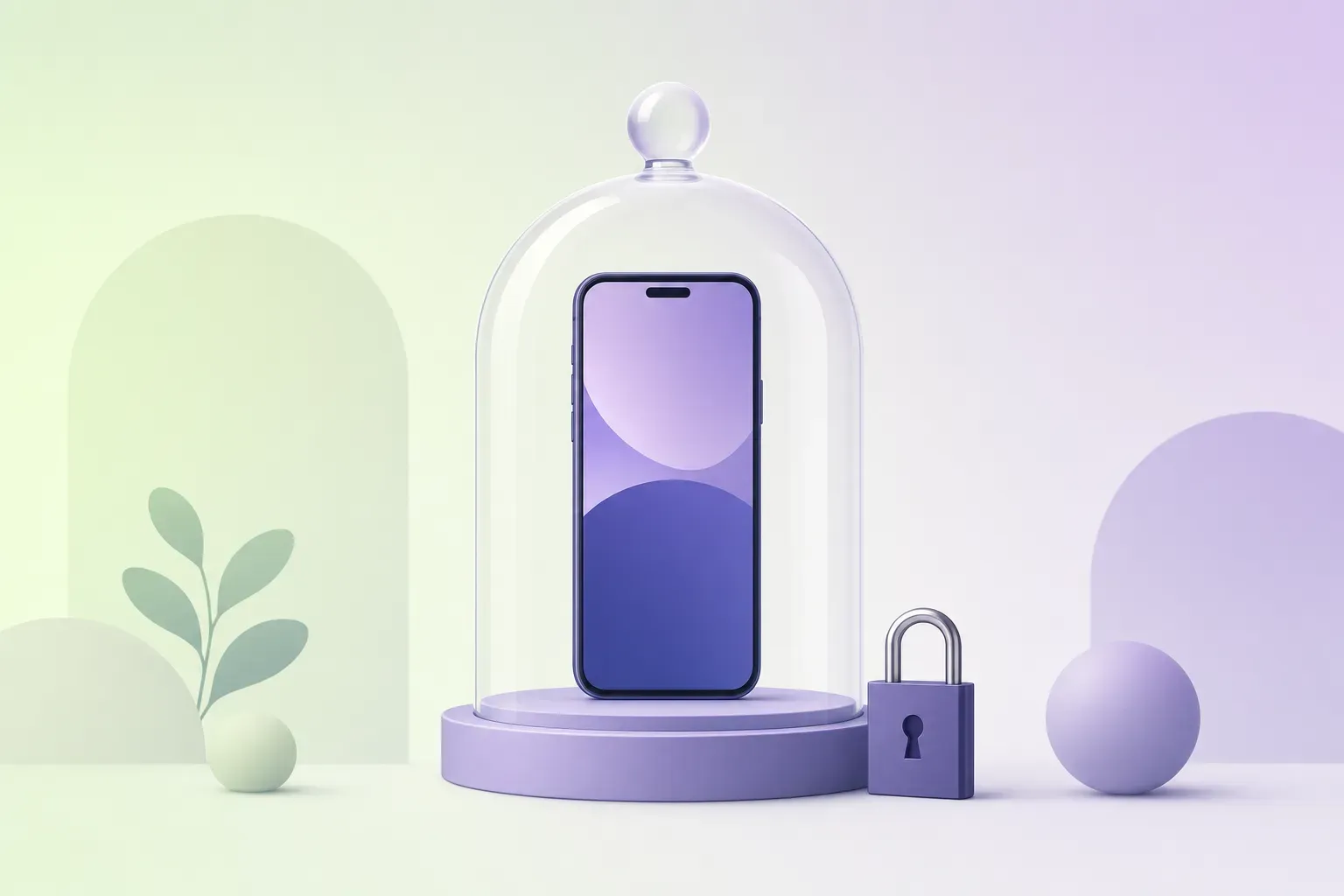
A mood log might be the most sensitive file on your phone. It’s a dated record of your lowest days, written by you, about you. So it’s fair to hold mood trackers to a higher bar than a to-do app, and it’s remarkable how few clear that bar.
This guide ranks the ones that do, and (rare for this genre) tells you exactly how to verify the claims yourself. Disclosure matters double here: we build MoodKit, it’s on this list, and we’ll describe our own data practices with the same bluntness we apply to everyone else. Facts checked August 2026.
What “private” has to mean, concretely
Marketing says “private.” You should check four things instead:
- Where do entries live? On-device (with optional sync to your iCloud) beats a company server every time.
- Is there an account? No account means no login database with your name next to your feelings.
- Does AI touch your content? Cloud AI features mean your entries are processed elsewhere, under policies you should actually read.
- Can you leave? Real export (CSV/JSON) is the difference between a tool and a trap.
The private shortlist
| App | Entries stored | Account | AI on your content | Export |
|---|---|---|---|---|
| MoodKit | On-device (+ your private iCloud, optional) | None | None, ever | CSV + full JSON |
| Apple State of Mind | Apple Health (E2E encrypted) | Apple ID only | No | Via Health |
| Pixels | On-device (+optional cloud add-on) | None | No | Yes |
| eMoods | On-device | None | No | PDF/CSV |
| Moodistory | On-device | None | No | Yes |
| Daylio | Local by default (optional cloud backup) | None | No | CSV |
Facts checked August 2026. Verify current labels on each App Store page — practices change.
1. MoodKit — private by architecture, honest about the rest
MoodKit’s privacy isn’t a settings toggle; it’s how the app is built. Your mood entries, notes, and tags stay on your device. There’s no MoodKit account and no MoodKit server. The app works fully offline; sync, if you enable it, goes through your own private iCloud. Insights are computed on-device with no AI — nothing you feel is ever sent to a model — and a Face ID / Touch ID lock is included, not paywalled. CSV export and a full restorable JSON backup mean you can leave whenever you like, with everything.
Now the part most lists in this genre skip: like most apps, MoodKit uses standard analytics and crash reporting to keep itself working. That telemetry is about the app — screens, crashes, performance — never about how you feel. We think stating that plainly beats claiming “zero tracking” and hoping nobody reads the label. Apply that skepticism to everyone, us included.
- Best for: maximum privacy that still delivers real analysis (ranked drivers, experiments, Apple Health factors).
- Watch out for: insights are Premium after the trial ($39.99/year or a one-time $79.99 Lifetime; logging is free); iPhone/iPad only.
2. Apple State of Mind — the encryption gold standard
Nothing else here matches Apple Health’s protections: end-to-end encrypted sync, on-device storage, per-app permission gates, and a company whose business model doesn’t need your feelings. The trade is analytical: it records and shows, but explains nothing. Pairing it with an on-device analysis app (MoodKit writes State of Mind entries back to Health on iOS 18) gets you both.
3. Pixels — indie minimalism, nothing collected
Pixels keeps everything on your device, requires nothing, and its App Store privacy label has long been the near-empty kind you love to see. One-time ~$4.99 for the extras. Minimal stats, but minimal exposure too.
4. eMoods — clinical data, kept local
Built for bipolar-spectrum charting, eMoods stores its unusually sensitive data on-device, works offline, and shares only what you export for your clinician. Dated looks; principled data handling; ~$9.99/year Pro.
5. Moodistory — the privacy-first diary
Moodistory has positioned itself as a privacy mood tracker for years: on-device entries, no account, plus one of the better widget lineups. Insights are diary-grade rather than analytical.
6. Daylio — local-first, with fine print
Daylio stores data locally by default with no account, and its “private diary” claims are broadly fair; backups go to your own cloud drive. Worth knowing: on iOS its PIN/Face ID lock sits behind Premium, and like most freemium apps it ships the usual third-party SDKs — read the label and decide your comfort level. (Full comparison.)
Two habits that beat any app choice
Read the label, not the tagline. Every App Store page has a privacy section listing what’s collected and whether it’s linked to you. Sixty seconds there beats any blog post, including this one.
Prefer architectures over promises. “We would never look at your data” is a policy; “we built it so there’s nothing to look at” is a design. No account, on-device processing, no AI, real export: those four make bad outcomes structurally difficult. That’s the standard this whole list is ranked by, and the one we build MoodKit against. For the cost side of the same philosophy, the no-subscription round-up is the companion read.
Frequently asked questions
What makes a mood tracker actually private?
Four checkable things: entries stored on your device (not a company server), no account requirement, no AI processing of your content, and an export so you're never locked in. App Store privacy labels and a readable privacy policy let you verify all four before installing.
Are mood entries protected like health data?
Only inside Apple Health. State of Mind entries get Health's end-to-end encryption and per-app permissions. A third-party app's own database has whatever protection that developer built, which is why on-device storage and device-level encryption matter.
Do private mood trackers still use analytics?
Most apps, including MoodKit, use standard app analytics and crash reporting to keep the software working. The line that matters: that telemetry should be about the app, never about your entries. MoodKit's mood data never leaves your device; its analytics cover usage and crashes only.
Is there a private mood tracker without a subscription?
Yes. Pixels is a small one-time purchase, eMoods Pro is ~$9.99/year, Apple's State of Mind is free, and MoodKit offers a one-time $79.99 Lifetime alongside its plans.
Keep reading
Mood Tracker Apps Without a Subscription (2026 Pay-Once Guide)
Tired of renting a diary? Every mood tracker you can pay for once — or use free forever — with real US prices, checked August 2026, and honest trade-offs.
· 4 min read
6 How We Feel Alternatives in 2026 (Streaks, Insights, iOS 15)
How We Feel is free and lovely — but thin on analytics, streak-free, and iOS 17-only. Six alternatives matched to the gap that's sending you looking.
· 4 min read
Apple's State of Mind vs MoodKit (2026): Built-In or Dedicated?
iOS logs moods for free with State of Mind. So when is a dedicated tracker worth paying for? A sourced comparison — and why the two work best together.
· 5 min read